Program Components

With the latest features from Inspire Science, scientific discovery lies just beyond the horizon. Our program captures student curiosity with a diverse selection of print and digital tools, including simulations, games, videos, project-based investigations, and more.

Components

  • Print

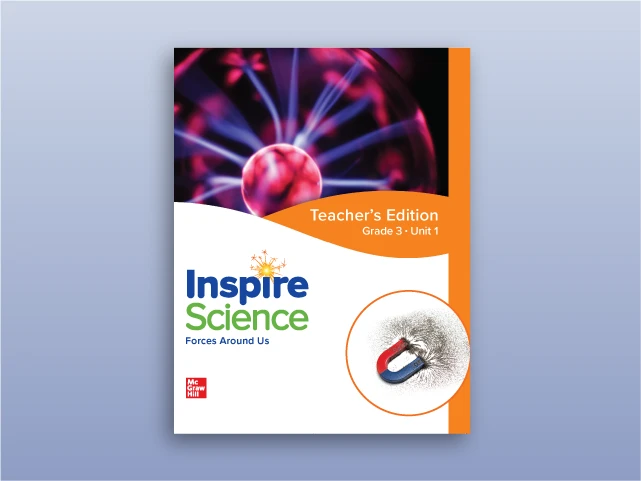
    Teacher’s Edition

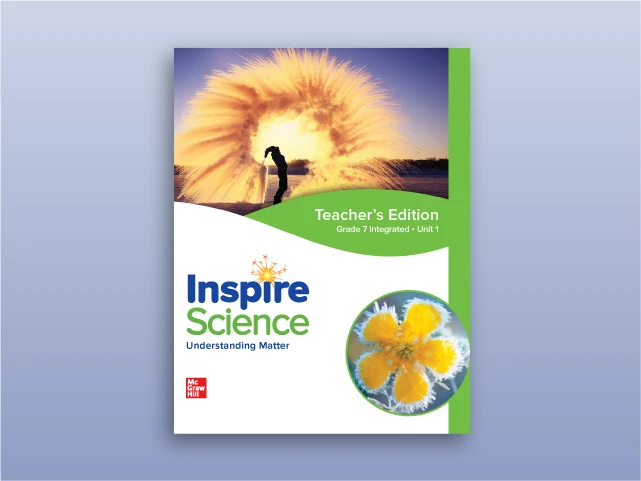
    Complete with in-depth teaching strategies, inquiry activity planners, and robust differentiation support, Inspire Science has relevant tools for every teacher—no matter your experience level—so you can feel confident your instruction is aligned with NGSS and the 5E instructional model.

  • Print

    Student Edition

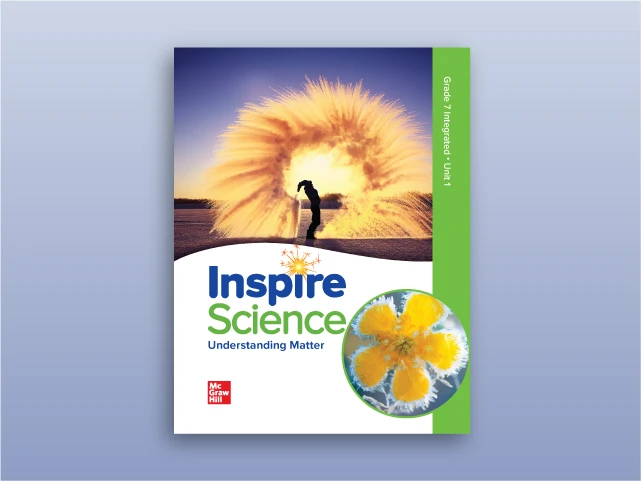
    Grounded in powerful phenomena, the Student Edition of Inspire Science ignites curiosity through hands-on, inquiry-based activities. As students dive deeper into the world of science, the program invites them to apply three-dimensional thinking to their learning.

  • Digital

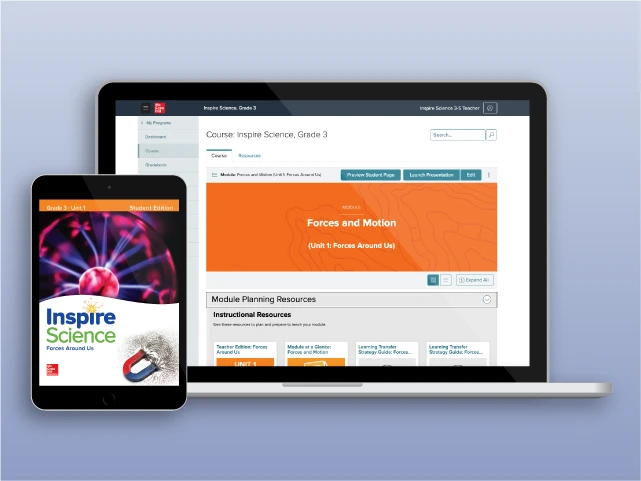
    Digital Program Experience

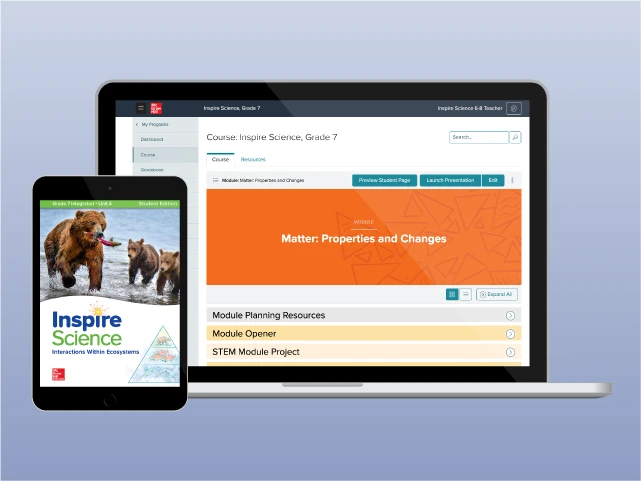
    Push the limits on science learning with digital resources including videos, virtual labs, games, simulations, and more. Plan and teach with confidence supported by professional learning resources and the technical resource library.

Tools

  • Print

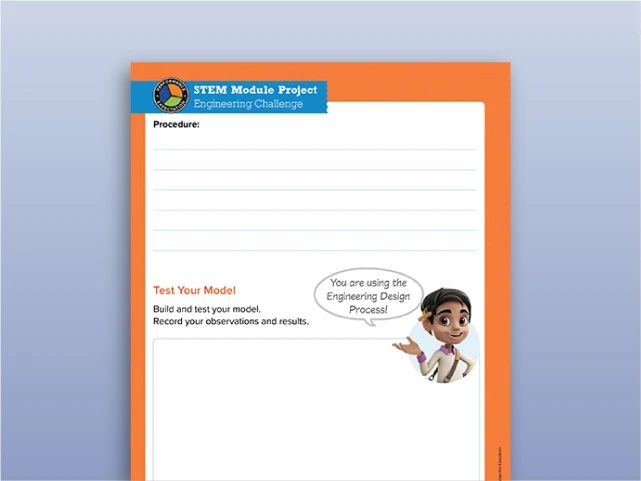
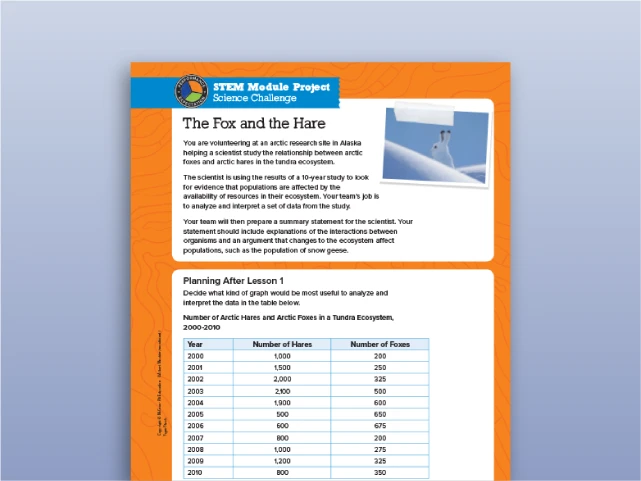
    STEM Module Projects

    STEM Module Projects challenge students to complete performance-based rubrics and answer summative questions demonstrating that they’ve met Performance Expectations.

  • Digital

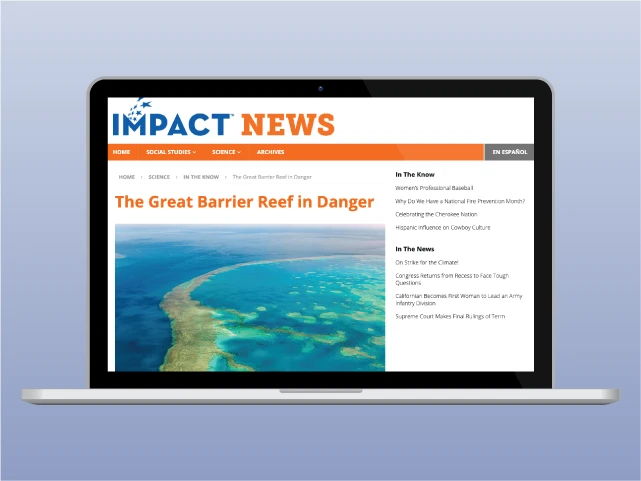
    Impact News

    Impact News provides two monthly news stories curated specifically for Inspire Science. Each article is written at three readability levels in both English and Spanish to provide differentiation support for all learners.

  • Digital

    Inquiry Rewind Videos

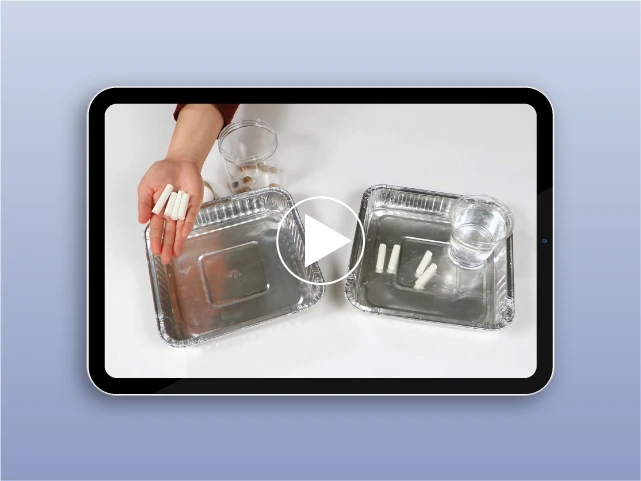
    For students who may have missed the in-class activity or who are struggling to achieve expected outcomes, every EXPLORE Inquiry Activity is paired with an Inquiry Rewind video guiding students through every step.

  • Digital

    Simulations

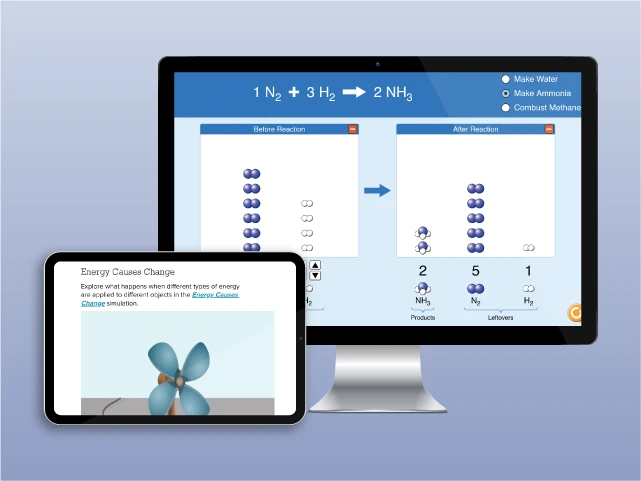
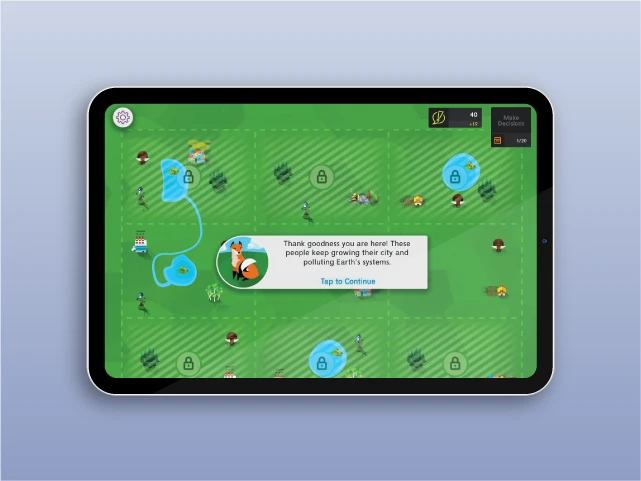
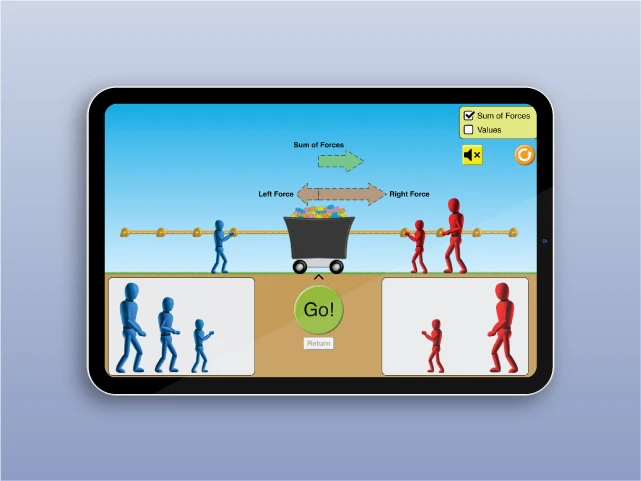
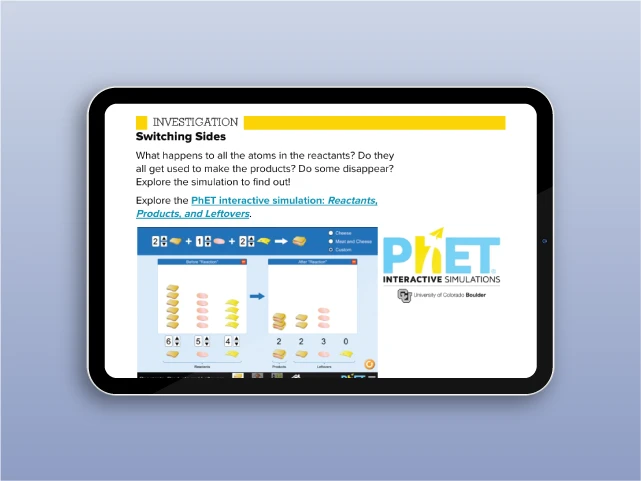
    Simulations take hands-on learning into the digital sphere so that students can apply inquiry skills in a new environment.

  • Digital

    Drawing Tool

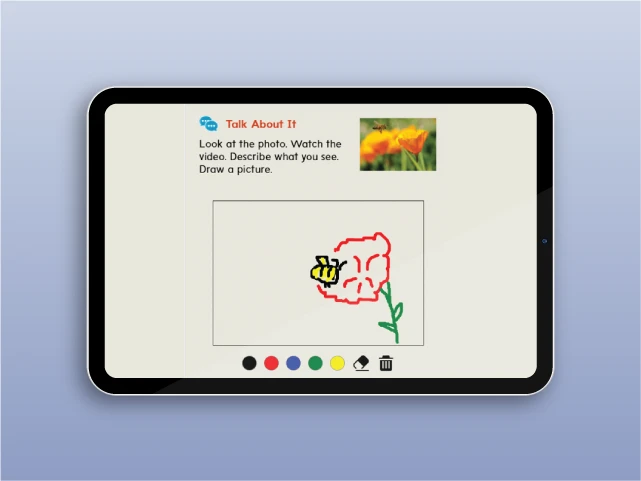
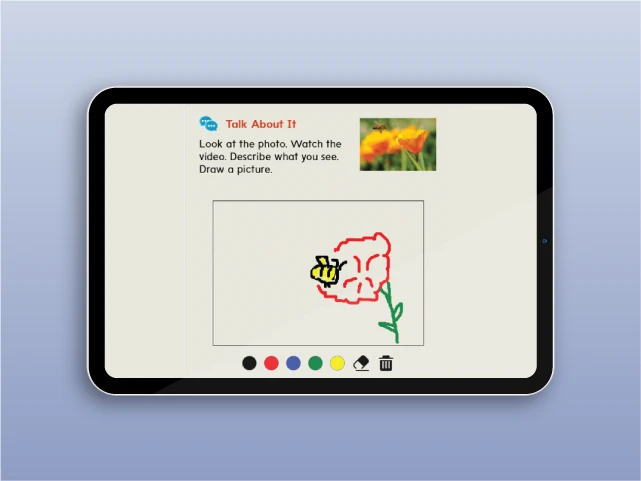
    The Drawing Tool allows students to illustrate responses and annotate images while completing assignments. Students can also use the drawing tool to analyze and graph data.

  • Digital

    Pop Tips

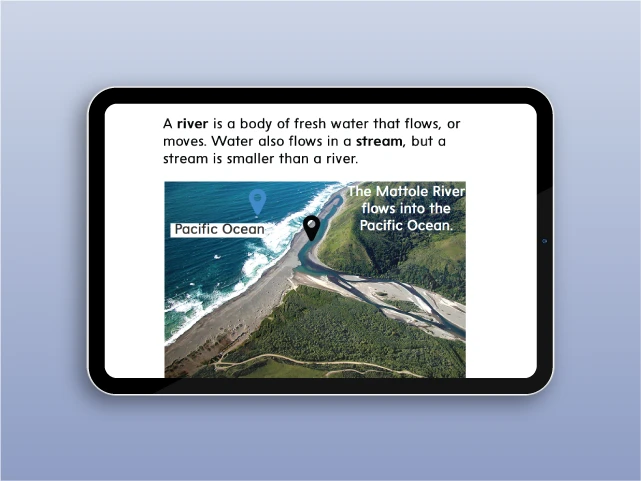
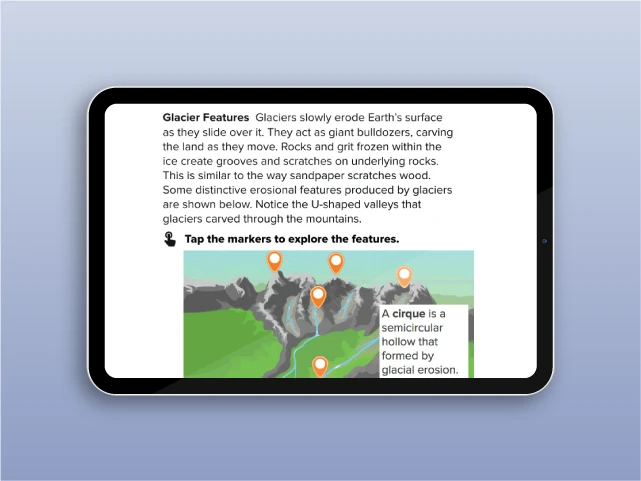
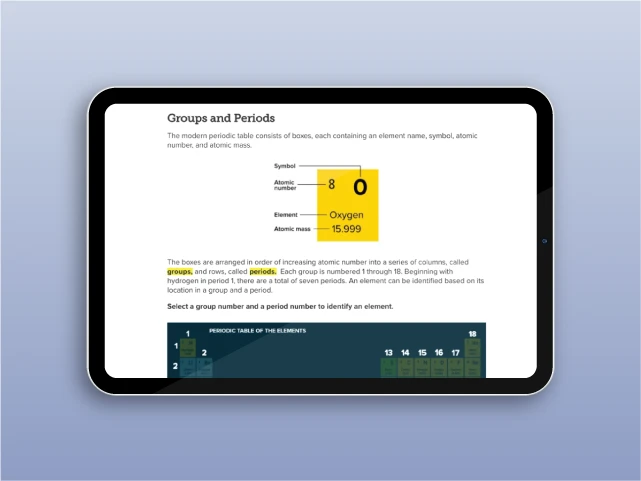
    Pop Tips support conceptual understanding with dynamic, interactive images and infographics.

  • Digital

    Games

    Digital games reinforce deep scientific understanding through fun, engaging activities.

Components

  • Print

    Teacher’s Edition

    Complete with in-depth teaching strategies, inquiry activity planners, and robust differentiation support, Inspire Science has relevant tools for every teacher—no matter your experience level—so you can feel confident your instruction is aligned with NGSS and the 5E instructional model.

  • Print

    Student Edition

    Grounded in powerful phenomena, the Student Edition of Inspire Science ignites curiosity through hands-on, inquiry-based activities. As students dive deeper into the world of science, the program invites them to apply three-dimensional thinking to their learning.

  • Digital

    Digital Program Experience

    Push the limits on science learning with digital resources including videos, virtual labs, games, simulations, and more. Plan and teach with confidence supported by professional learning resources and the technical resource library.

Tools

  • Print

    STEM Module Projects

    STEM Module Projects challenge students to complete performance-based rubrics and answer summative questions demonstrating that they’ve met Performance Expectations.

  • Digital

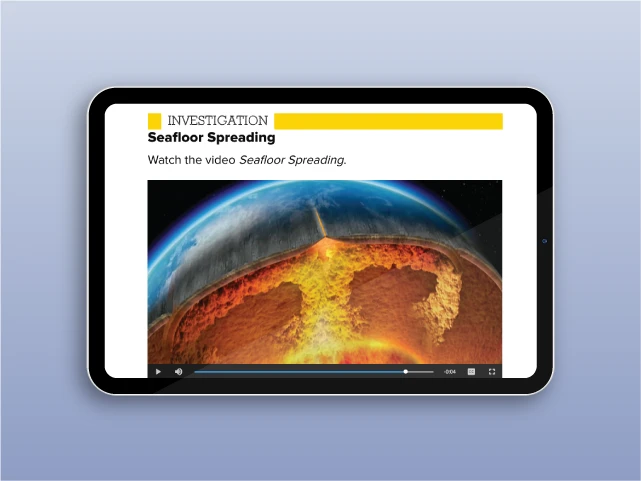
    Phenomena and Science Content Videos

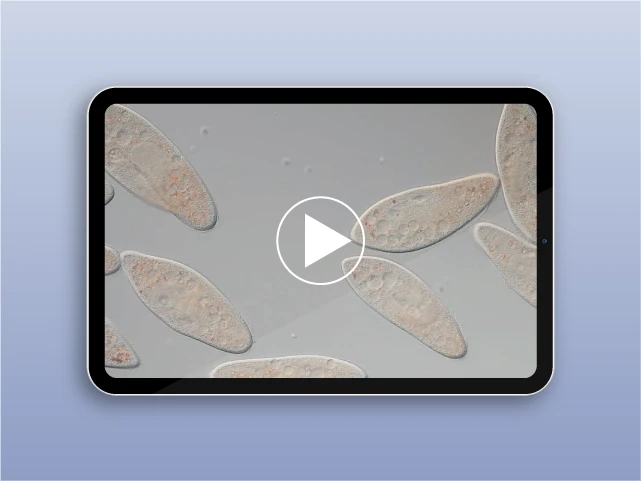
    Phenomena and science content videos enable students to watch exciting concepts in action, sparking critical thinking and collaborative conversations.

  • Digital

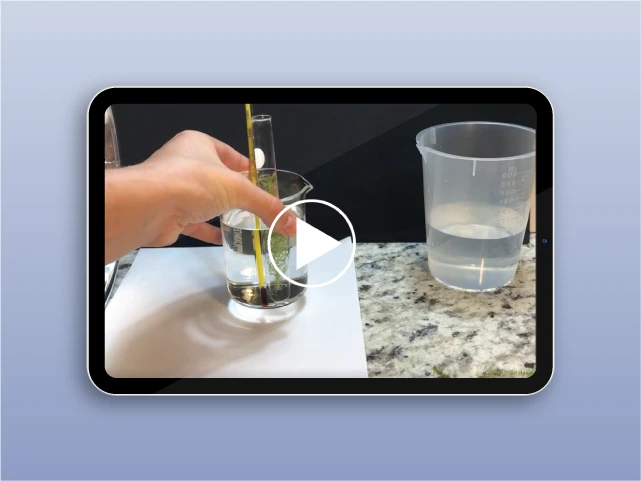
    Lab Videos

    For teacher lesson prep or students who missed class, these videos demonstrate how to perform each lab.

  • Digital

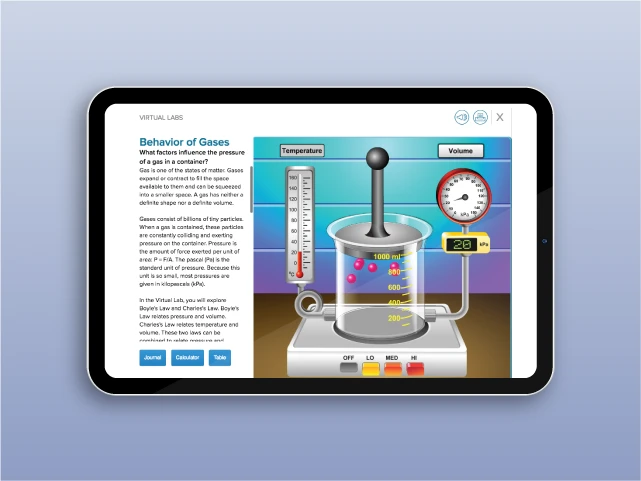
    Virtual Labs

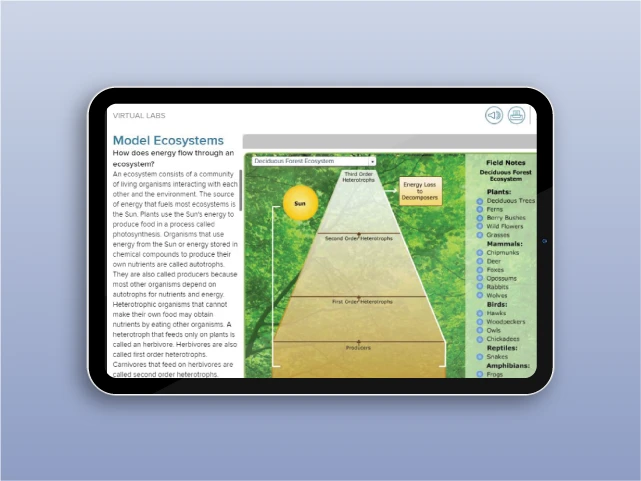
    Virtual Labs empower students to conduct experiments and observe exciting scientific phenomena from the outside world in a classroom setting.

  • Digital

    Simulations

    Simulations take hands-on learning into the digital sphere so that students can apply inquiry skills in a new environment.

  • Digital

    Pop Tips

    Pop Tips support conceptual understanding with dynamic, interactive images and infographics.

  • Digital

    Drawing Tool

    The Drawing Tool allows students to illustrate responses and annotate images while completing assignments. Students can also use the drawing tool to analyze and graph data.

  • Digital

    Actively Learn

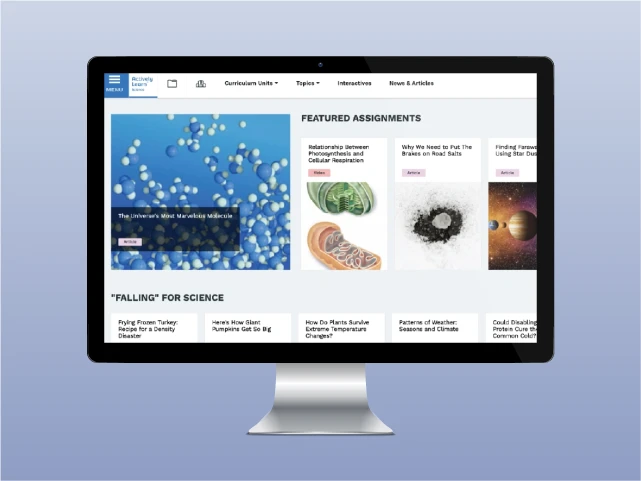
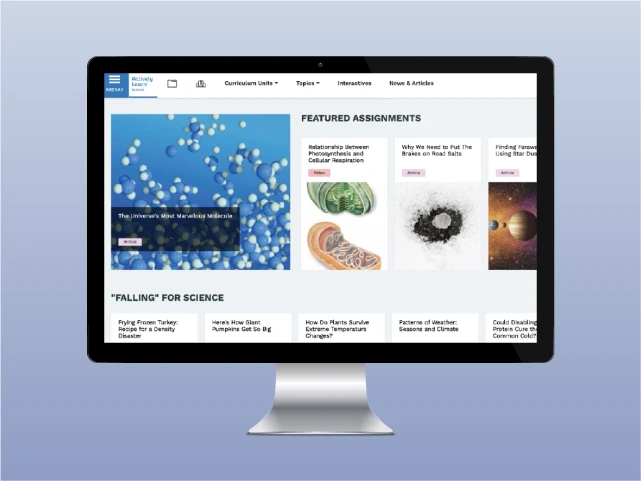
    Actively Learn enhances core material with differentiated content designed to bring learning to life for each and every student. 

Components

  • Print

    Teacher’s Edition

    Complete with in-depth teaching strategies, inquiry activity planners, and robust differentiation support, Inspire Science has relevant tools for every teacher—no matter your experience level—so you can feel confident your instruction is aligned with NGSS and the 5E instructional model.

  • Print

    Student Edition

    Grounded in powerful phenomena, the Student Edition of Inspire Science ignites curiosity through hands-on, inquiry-based activities. As students dive deeper into the world of science, the program invites them to apply three-dimensional thinking to their learning.

  • Digital

    Digital Program Experience

    Push the limits on science learning with digital resources including videos, virtual labs, games, simulations, and more. Plan and teach with confidence supported by professional learning resources and the technical resource library.

Tools

  • Print

    STEM Module Projects

    STEM Module Projects challenge students to complete performance-based rubrics and answer summative questions demonstrating that they’ve met Performance Expectations.

  • Digital

    Phenomena and Science Content Videos

    Phenomena and science content videos enable students to watch exciting concepts in action, sparking critical thinking and collaborative conversations.

  • Digital

    Virtual Labs

    Virtual Labs empower students to conduct experiments and observe exciting scientific phenomena from the outside world in a classroom setting.

  • Digital

    Pop Tips

    Pop Tips support conceptual understanding with dynamic, interactive images and infographics.

  • Digital

    Actively Learn

    Actively Learn enhances core material with differentiated content designed to bring learning to life for each and every student. 

  • Digital

    Simulations

    Simulations take hands-on learning into the digital sphere so that students can apply inquiry skills in a new environment.

Top